
Goals
A goal is a conversion you care about: a thank-you path, a signup event. Overview shows Goals, Conversions, and Rate when the site has at least one.
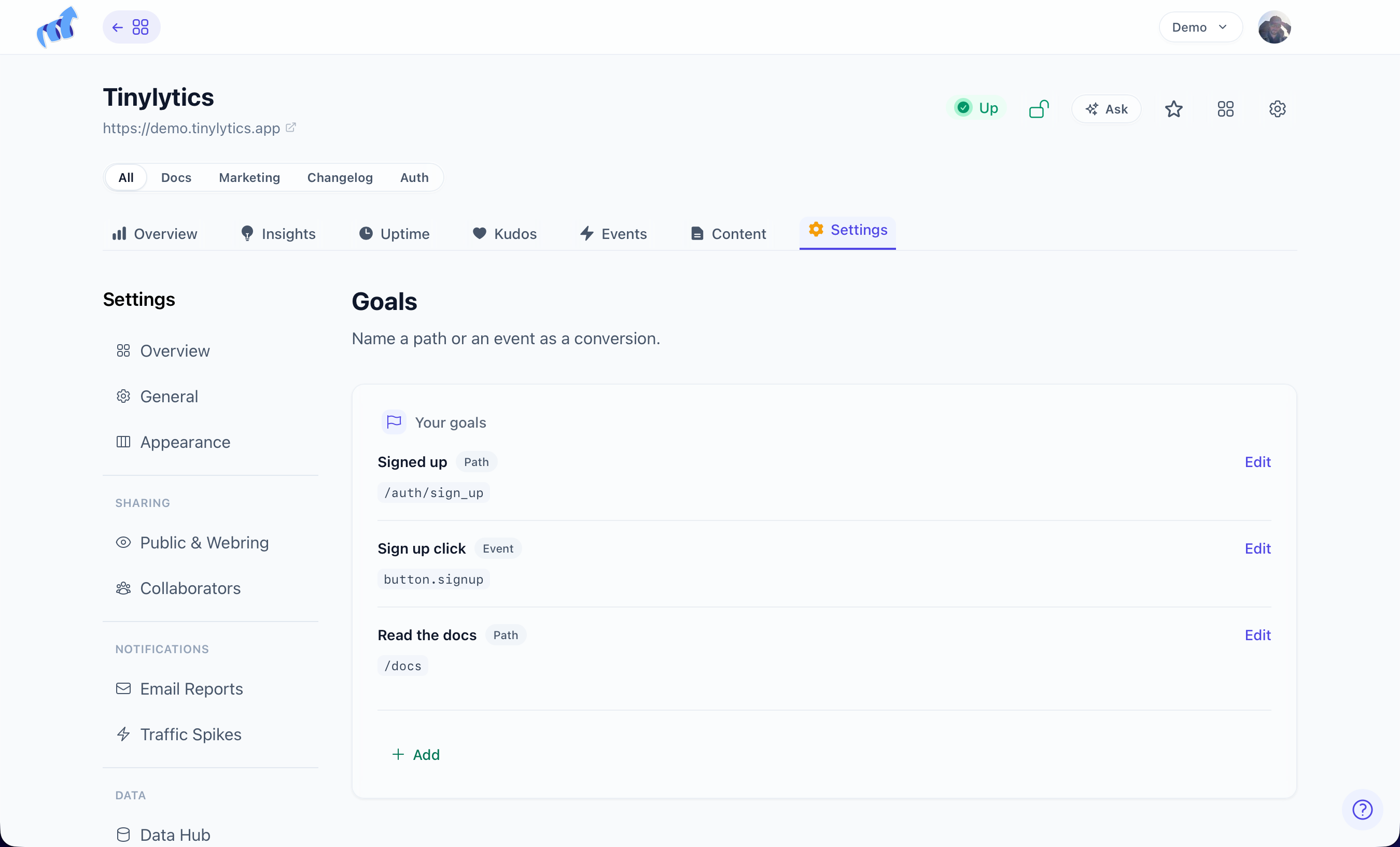
Settings → Data → Goals. Name it. Choose Path or Event.
- Path matches starts-with, same rule as segments.
/thanksincludes/thanks/paid. - Event matches a well-formed event name such as
signup.complete. See events.
Cap is 10 per site. Clicking a goal name on Overview filters to it.
Rate is converted visitors over visitors in the current date range, capped at 100%. It prefers distinct visitor hashes and falls back to hit counts if hashes are missing.
Show or hide the table under Settings → Appearance → Stats Sections. Goals stay in Settings even when the table is hidden.