
Ignoring your hits
Your own reloads should not be your traffic. Two tools: a flag in your browser, and ignore rules on the site.
Ignore this browser
Visit your live site once with:
https://your-site.com?tiny_ignore=true
If underscores are a problem, ?ti=true does the same. Include https:// so the browser does not search instead.
That writes a flag in localStorage and shows a confirmation. Later visits from that browser do not count. Other visitors are unaffected. Do this per browser, including your phone.
To start counting again:
https://your-site.com?tiny_ignore=false
Or clear site data for that origin.
You can also add ?ignore on the embed URL itself so that one page load never sends a hit. Handy on a staging template.
Ignore rules
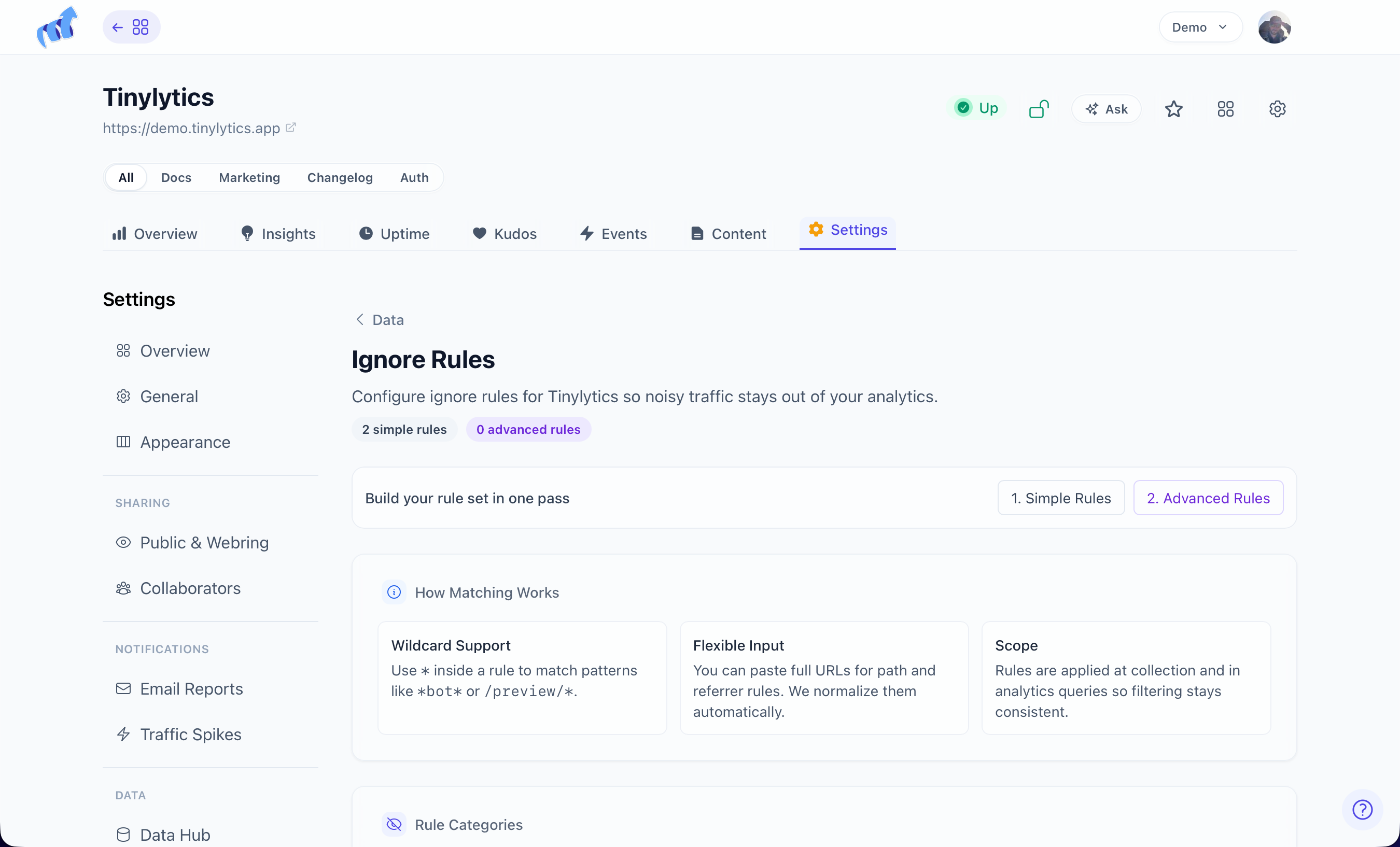
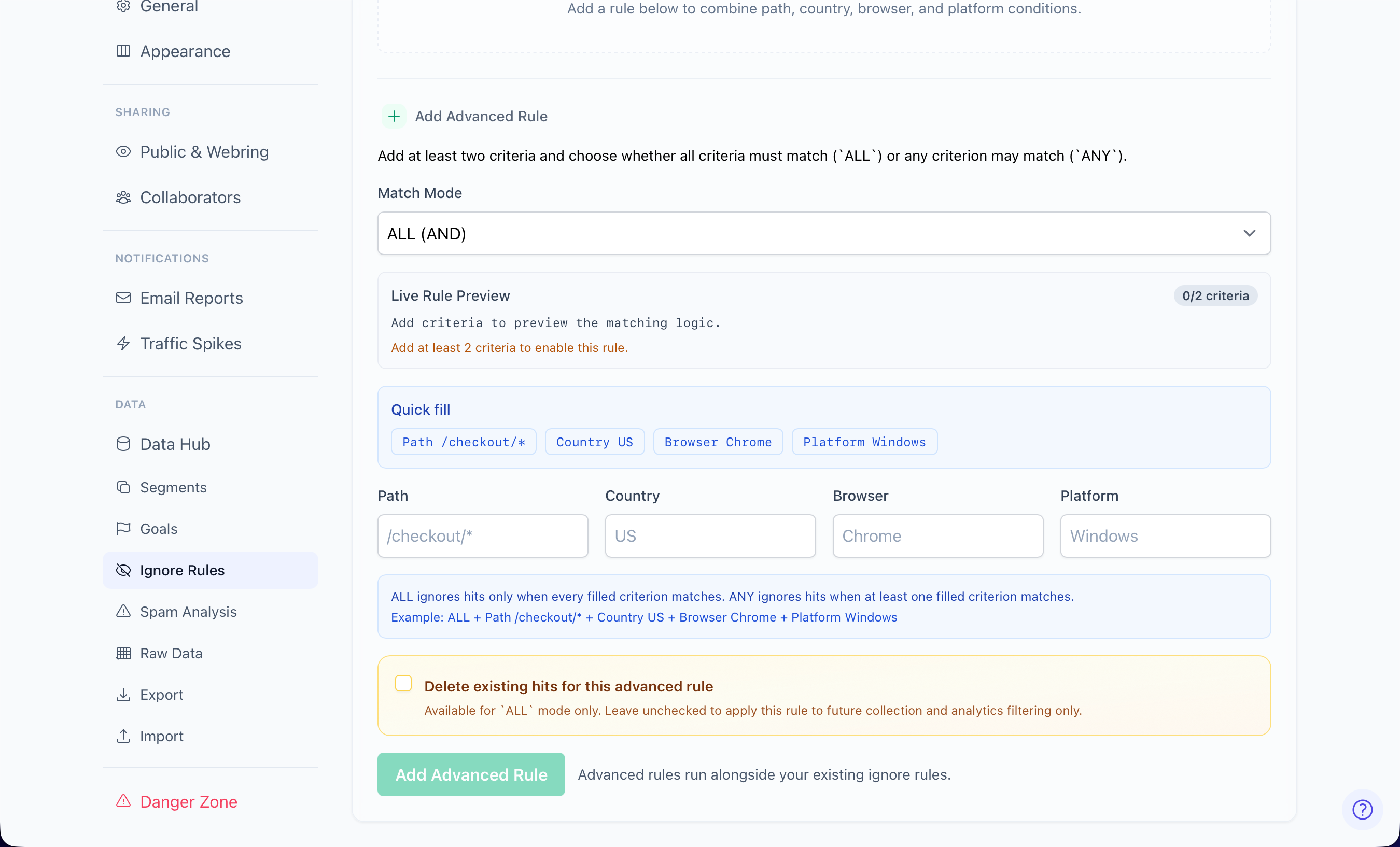
Settings → Ignore Rules hides traffic that should never have been there: /admin, preview hosts, your own referrer, a country you do not want in the tables.
Settings → Data Hub also links here. Ignored hits stay out of Overview and out of CSV export of “all hits.”
Ignore paths vs segments
Ignore paths drop those URLs from stats. Segments keep the hits and give you a named view of a prefix. Use ignore for noise. Use a segment when you still want the data.