
Embed the script
Each site has its own embed, tied to the domain you configured. Copy it from Settings and paste it before </body> (or in <head> with defer).
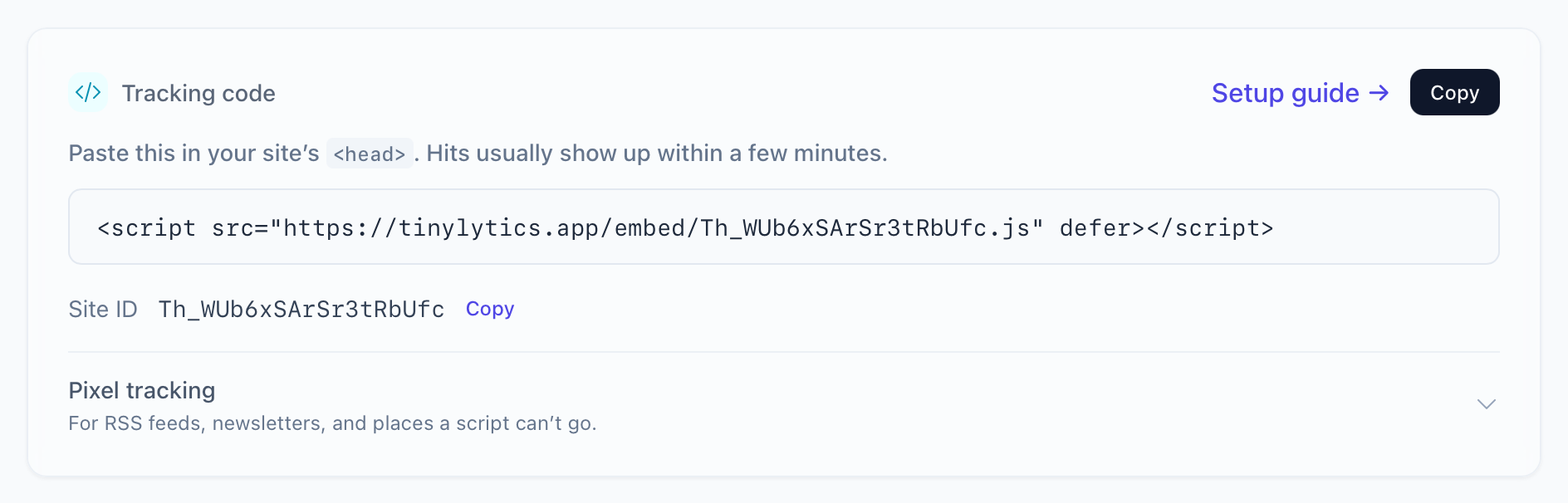
Click the snippet to copy it.
<script defer src="https://tinylytics.app/embed/YOUR_EMBED_CODE.js"></script>
Hits show on Overview once the page is live.
Minified
Add /min for a smaller file. Same behaviour.
<script defer src="https://tinylytics.app/embed/YOUR_EMBED_CODE/min.js"></script>
Single-page apps
React, Vue, and friends that change the URL without a full load need ?spa:
<script defer src="https://tinylytics.app/embed/YOUR_EMBED_CODE.js?spa"></script>
You can combine that with /min.
Hosts that block script tags
Some hosts (Write.as is one) will not let you paste a <script> tag. Inject it instead:
let script = document.createElement("script")
script.type = "text/javascript"
script.defer = true
script.src = "https://tinylytics.app/embed/YOUR_EMBED_CODE.js"
document.body.appendChild(script)
Widgets and events
The same script URL takes query parameters for hit counters, kudos, country flags, uptime, and webring, and for event tracking. Install the script first. Add parameters when you want those extras.
Ignore this browser
During development, add ?tiny_ignore=true to your own site URL once. That sets a localStorage flag so your reloads do not count. Details in ignoring your hits.