
Getting Started
Sign up with email and password. Confirm the address in your inbox. That starts a 14-day trial. Uptime and Kudos wait on that confirm.
If an AI agent is setting this up, follow instructions for agents instead of the form.
Add a site
From the sites list, Add a new site. It asks for the domain and timezone.
Find the embed
Each site’s top nav is Overview, optional feature tabs, and Settings. There is no Edit tab and no Embed Code tab.
Settings is the hub:
- General — name, domain, timezone
- Appearance
- the embed snippet
- Public & Webring
- Data Hub
- Ignore Rules
Copy the snippet from Settings and paste it before </body> on the site. Hits show on Overview once the page is live.
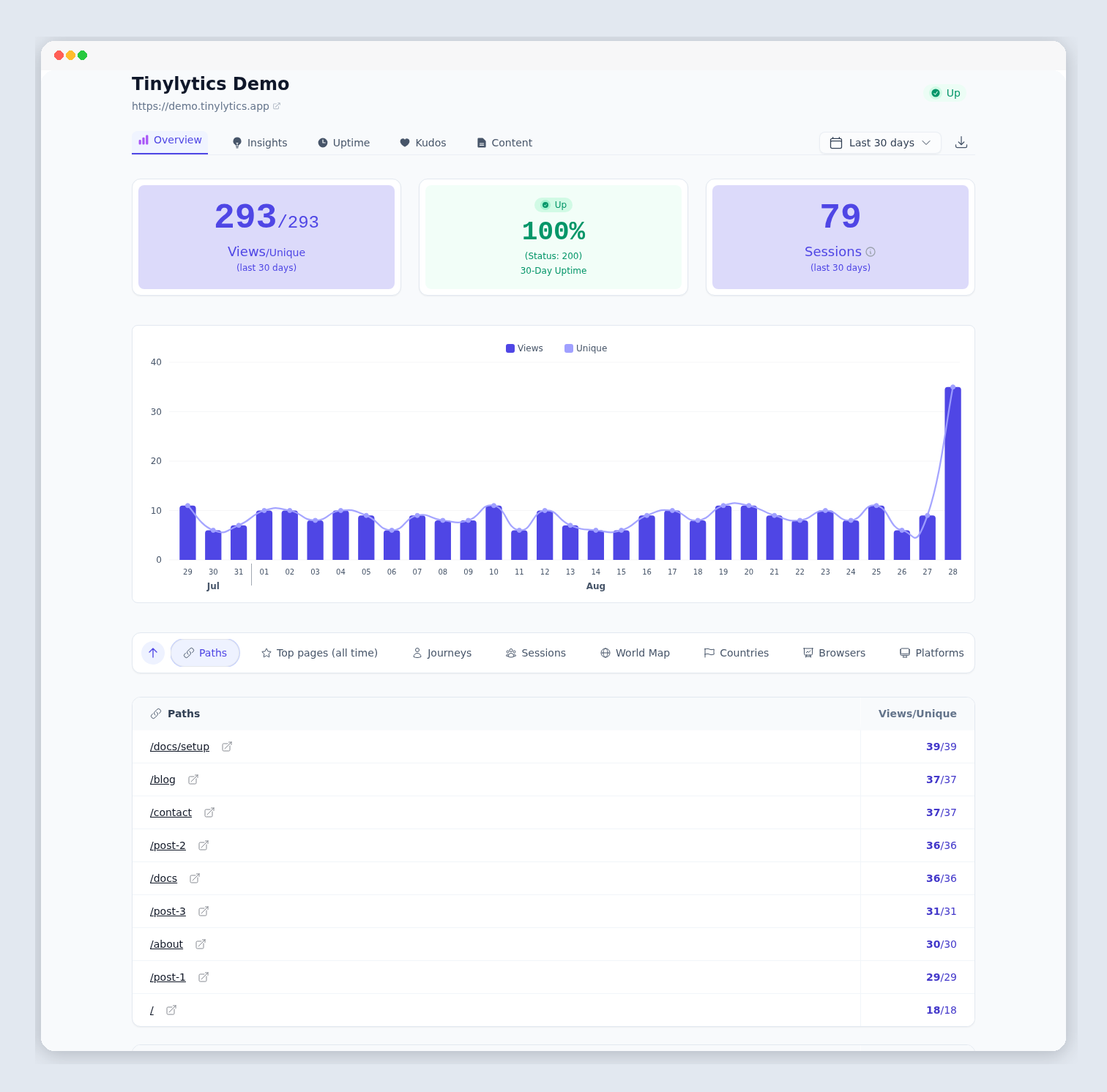
Overview on the Tinylytics demo. Hits, the chart, and Paths follow the date range you pick.
Account
Account in the nav is email, password, billing, export, and delete.