
Catch sudden attention while it is happening.
Traffic spike alerts keep launch days, mentions, and unexpected surges from slipping by unnoticed. Set a visitor threshold and add recipients who should know. After an alert, the site waits 12 hours before sending another. Optional spike protection caps repeat hits from the same browser, page, and country, so one visitor cannot flood your stats.
How a spike is spotted
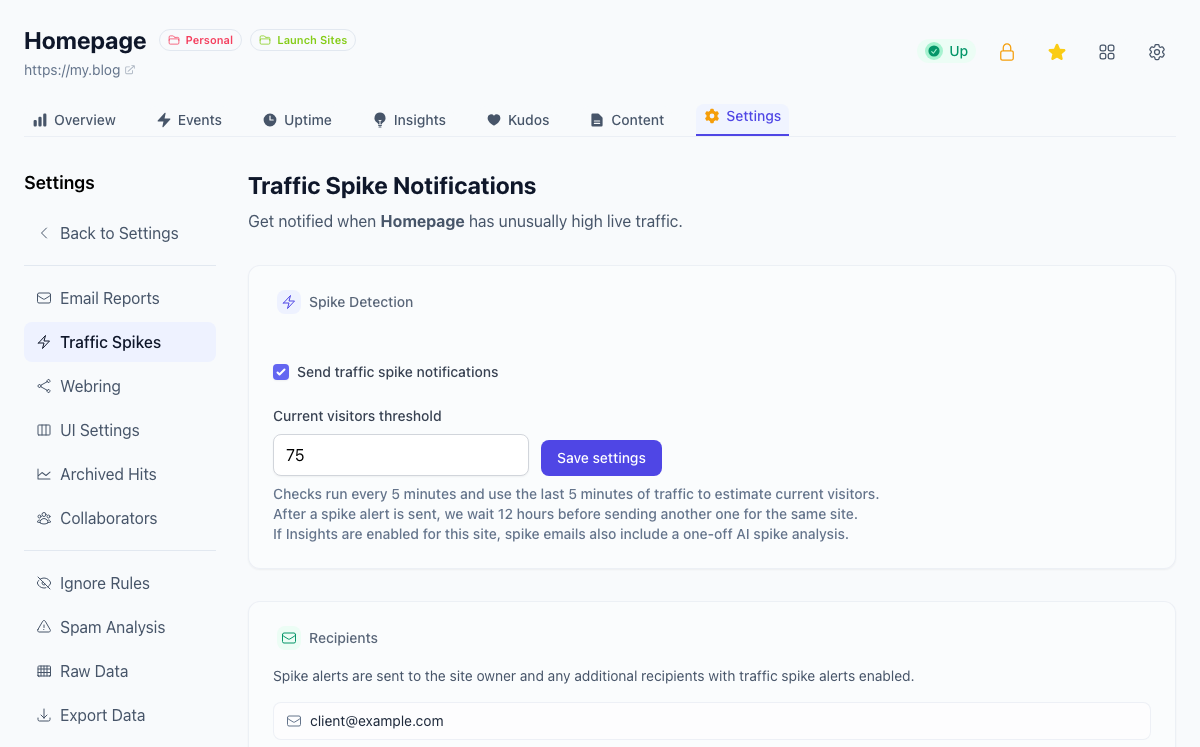
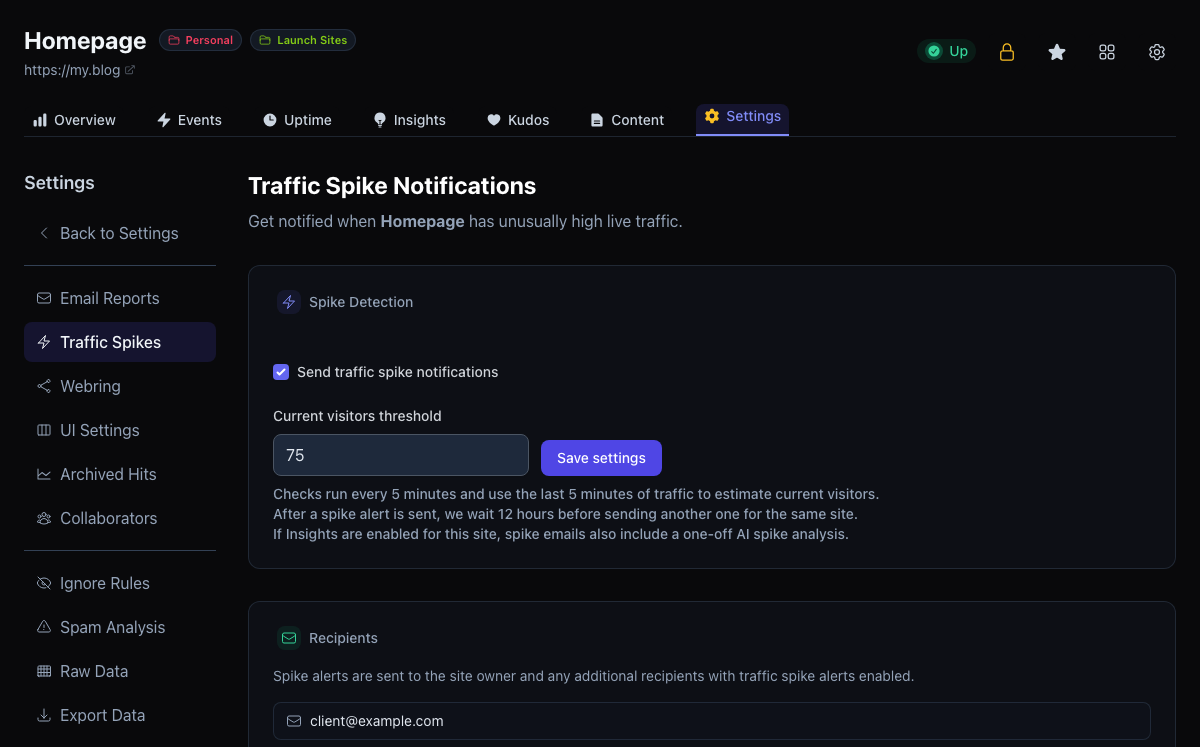
Turn on Email me about traffic spikes in a site's settings and set a threshold: how many people on the site at once should count as a spike. It starts at 10 and goes up to 10,000. Every five minutes, Tinylytics counts the distinct visitors in the last five minutes, leaving out hits your ignore rules already skip. When that number reaches your threshold, the alert goes out.
After an alert, the site waits 12 hours before sending another, so one busy afternoon means one email, not a stream of them.
What the email tells you
- The numbers: visitors in the last five minutes against your threshold, and the five minutes before.
- Where it came from: the top page and top referrer, plus the last 24 hours of hits next to the 24 before.
- The hits themselves: up to 20 pages with their counts, and the latest 30 hits with time, referrer, and country.
- A short read: if Insights is on for the site, an AI-written look at what the spike might be.
If the burst looks automated, the email offers an Exclude this spike link that marks those hits as spam, so a bot does not skew your charts.
Who hears about it
Alerts go to the site owner. You can add extra recipients, such as a colleague or a client, and choose for each one whether they receive spike alerts. Traffic spike alerts are part of Ultra.
Spike protection
A separate, optional setting stops one visitor from flooding your stats. Once it is on, Tinylytics only counts the first hits from the same browser, page, and country in a 12-hour window, 15 by default, and drops the rest.