
Send Tinylytics events wherever you work.
React to Tinylytics activity in real time without polling. Send alerts to your own endpoint, Discord, Mattermost, or Pushover, choose the events you want, inspect recent deliveries, and retry failures when needed.
Events you can send
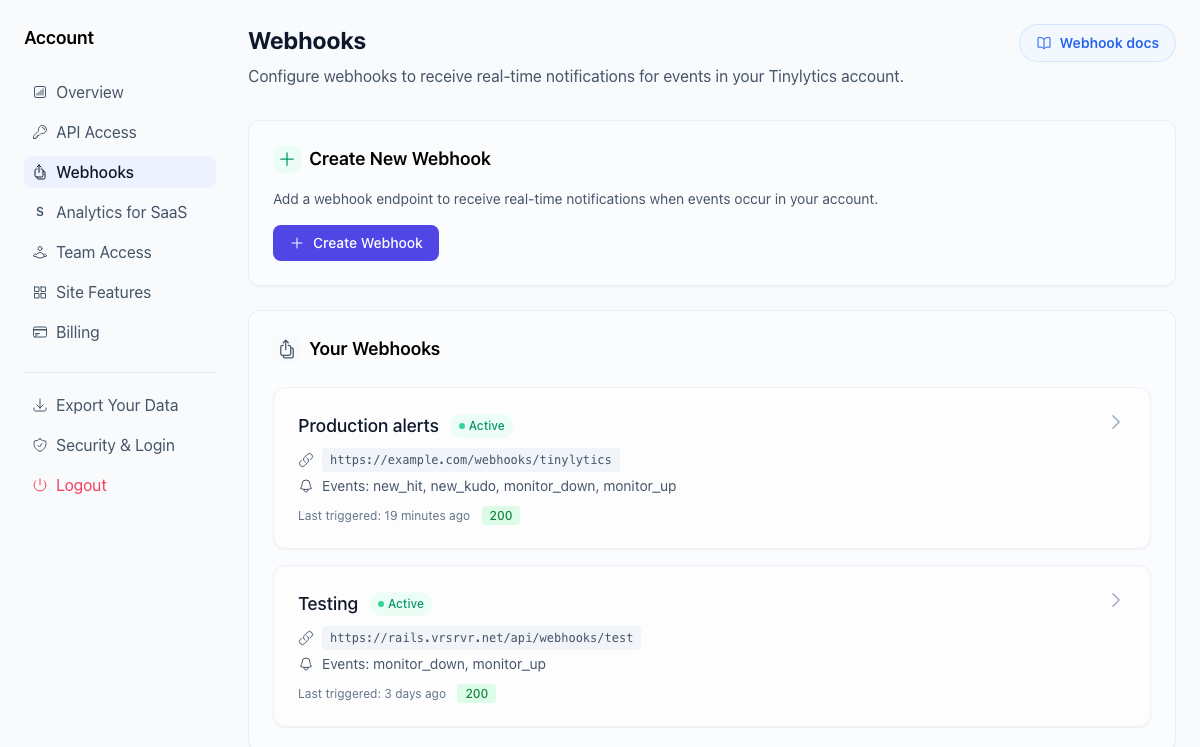
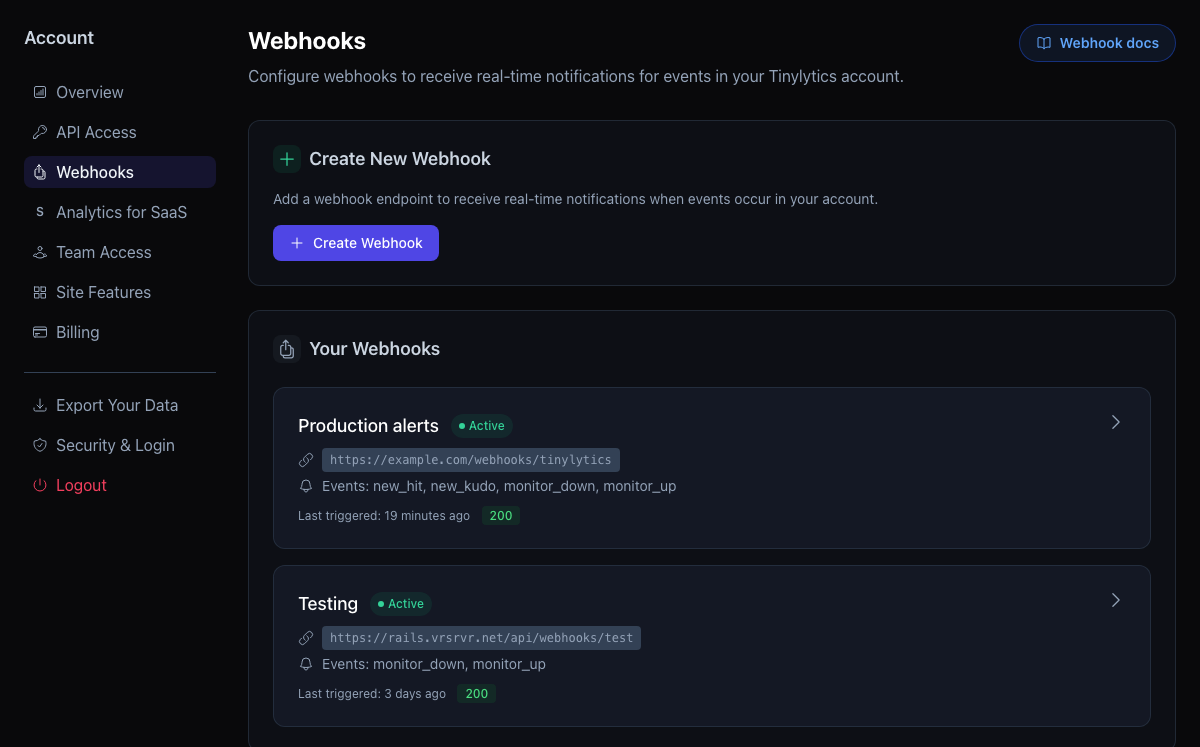
Add a webhook under Account → Webhooks, give it a public URL, and tick the events it should receive. One webhook covers every site on your account, and each payload names the site it came from.
- Traffic:
new_hitfor each accepted page view,new_eventfor custom events,new_kudofor kudos, andnew_webmentionfor verified webmentions. - Uptime:
monitor_downandmonitor_upwhen your site goes down and comes back. - Reports:
new_insightfor each new insights report, andcontent_issuefor a new broken link or mixed content. - SEO:
seo_audit.completedwhen an audit finishes, on Ultra.
Hits that your ignore rules or spike protection turn away never trigger a webhook.
Signed and checked
Every delivery is a JSON POST. It carries an X-Signature header, an HMAC SHA-256 of the
body made with your webhook's own secret, so your endpoint can tell the request really came from Tinylytics.
You can regenerate the secret at any time, and the old one stops working at once. Headers also give the event
type and a delivery id you can use to skip duplicates.
Use Test next to any event to send a sample payload before real traffic arrives. Discord, Mattermost, and Pushover webhooks are supported too.
When a delivery fails
Any 2xx response counts as delivered. Anything else, or no answer within 30 seconds, is tried again
later, waiting a little longer each time, from 30 seconds up to 8 hours, for up to ten attempts in all. The
webhook's events page lists the last 100 deliveries with the payload, response code, response body, and error,
and you can send any of them again by hand.
Webhooks are included on every paid plan and during the free trial. You can also manage them through the API.