Clicks and downloads, counted.
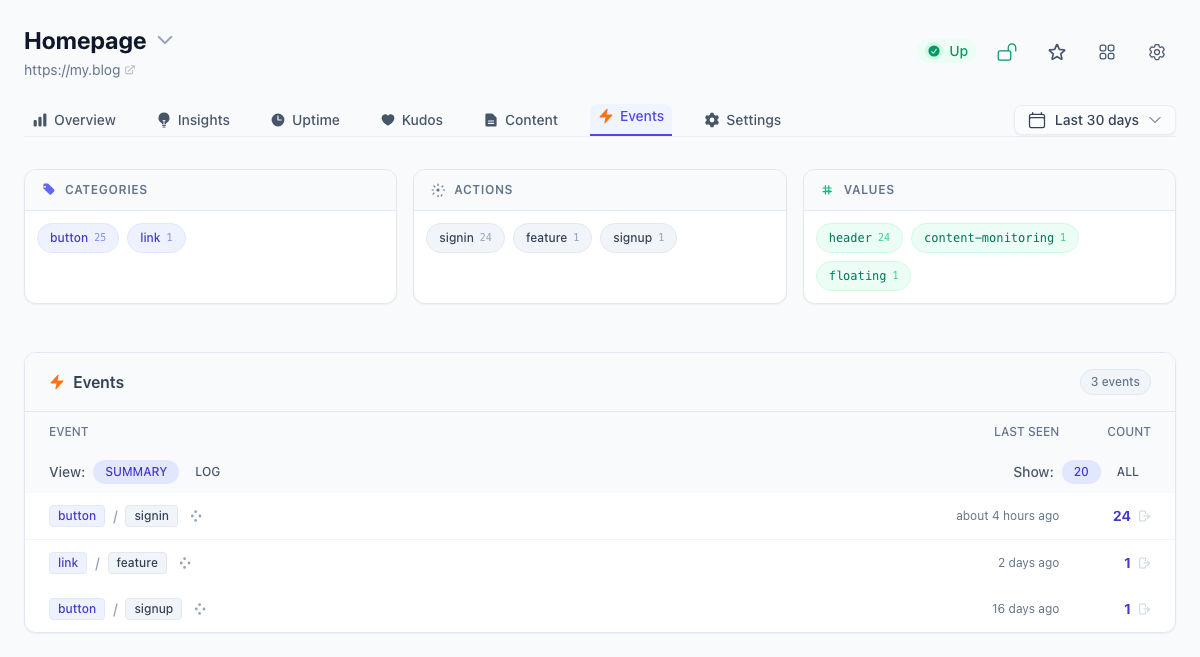
Track what people do—not just what they view. Add a data attribute to any button, link, or form and Tinylytics records the event alongside your page views. No tag managers, no complex event schemas. See events in your dashboard and understand which actions actually matter.
How it works
Switch on the Events widget in the site's tracking settings, then put data-tinylytics-event
on any button or link you want counted. A name is a category and an action joined by a dot, such as button.subscribe or
file.download, so related events group together. A data-tinylytics-event-value
attribute can carry one detail, such as which file was downloaded.
Counting without tagging
Turn on Count outbound links, downloads, and forms in the site's tracking settings, and with the Events widget on, three kinds of event are recorded without any attributes:
link.outboundfor links to other sites, with the host as the value.file.downloadfor downloads, with the filename as the value.form.submitfor submitted forms, with the form's id, name, or action path as the value. Nothing typed into the form is sent.
Anything you have tagged yourself is left to your tag, so it is not counted twice.
Kept apart from page views
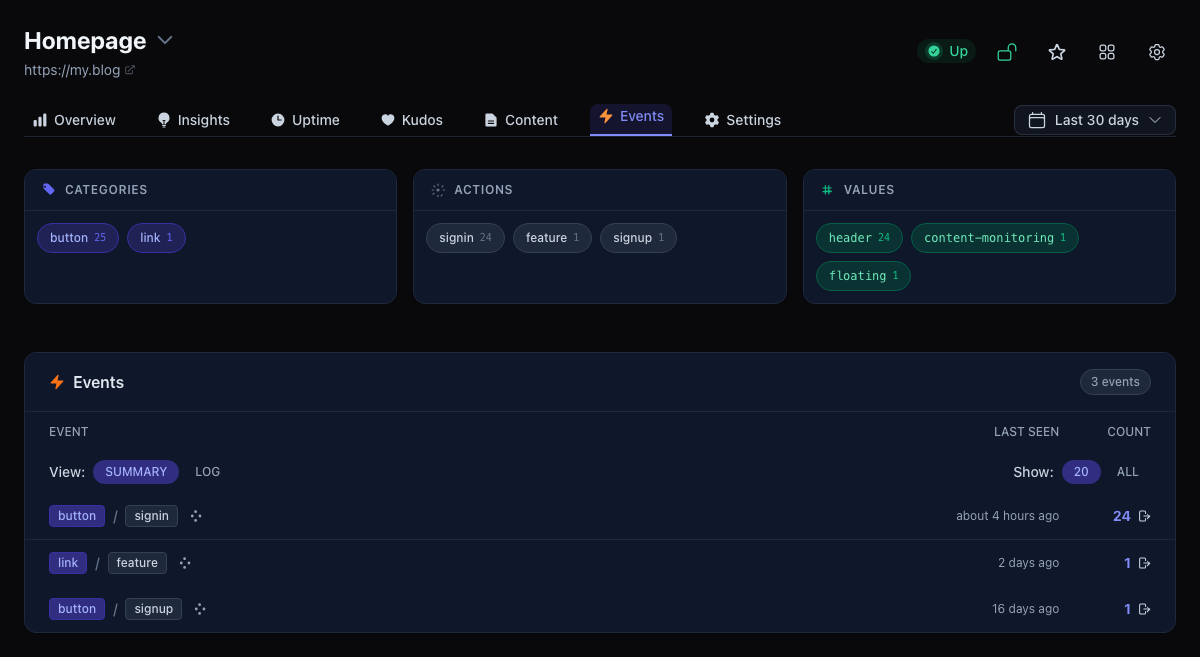
Events are stored separately from page views, so a click never inflates your traffic. They appear on the site's Events tab, grouped by category, and you can export them as CSV. Clicks on the same element within half a second count once. Promote an event to a goal to see a conversion rate.
Events use the same cookie-free hashes as page views. For links that leave the page, switch on Send hits with a beacon in the same settings so the browser does not cancel the request on the way out.