
Filter down to any slice of your traffic.
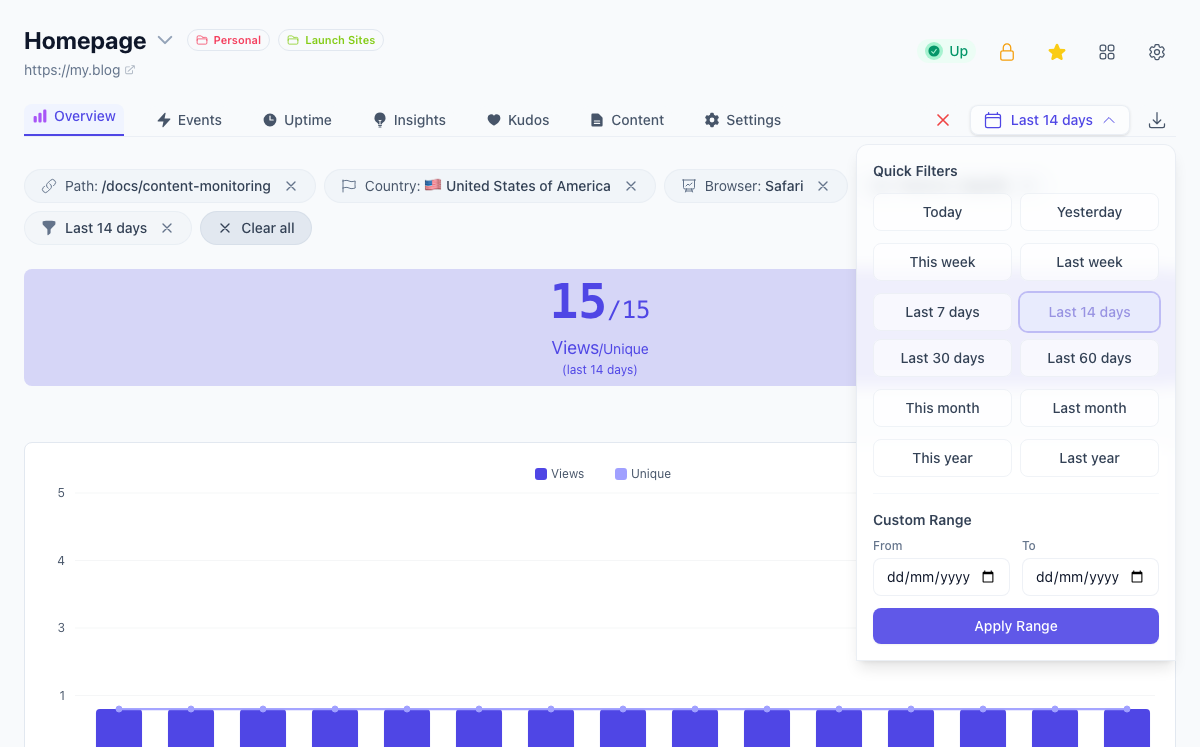
Tinylytics keeps filtering fast and visible. Narrow analytics by date range, page, source, referrer, country, browser, platform, or visitor hash, then keep those filters as you move between charts, tables, and tabs. Every active filter stays readable and removable, and the URL keeps your filters, so a filtered view is a link you can bookmark.
What you can filter by
Click almost any row on a site's dashboard and the whole view narrows to it. The filters you can stack:
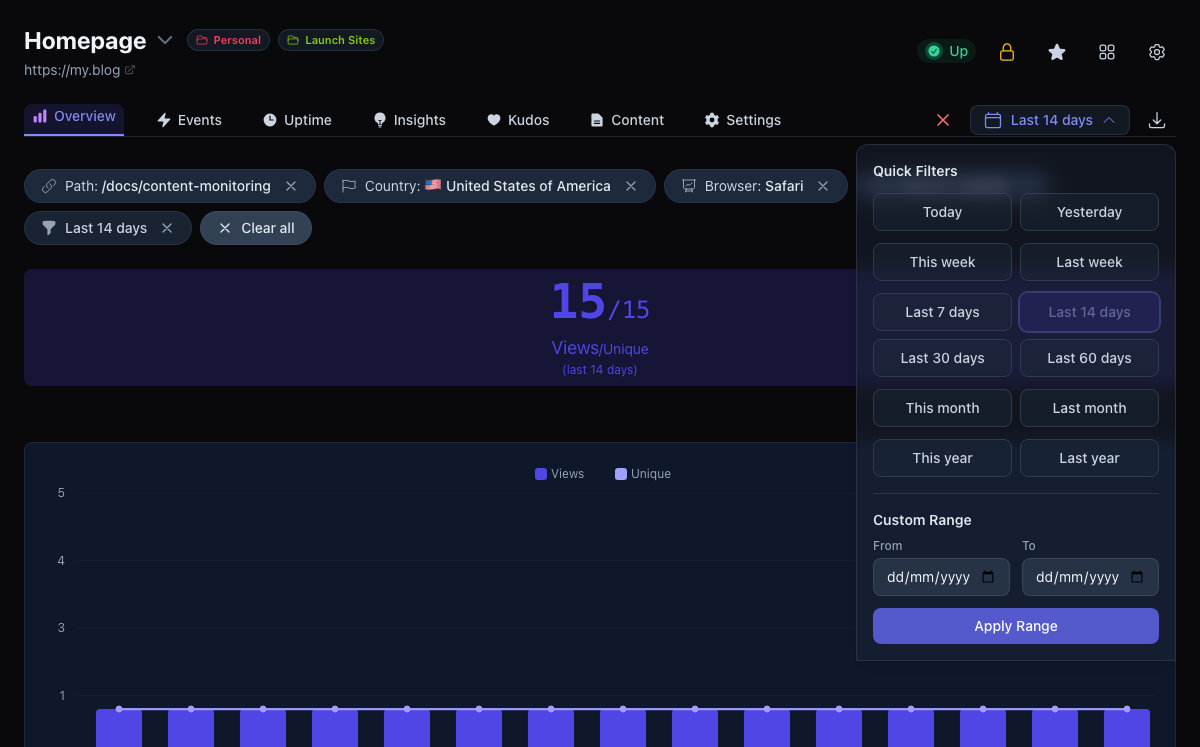
- Date: today, yesterday, this or last week, month, or year, the last 7, 14, 30, or 60 days, all time, or your own from and to dates. Each site can have its own default range.
- Page: one exact path.
- Where visitors came from: a referrer, a whole referring site, direct visits, or a source, campaign, or medium from tagged links such as
utm_source. - Who they are: country, browser, or platform.
- One visitor: the pages a single visitor read that day, from the sessions and journeys tables. The visitor hash changes every day, so it never follows anyone beyond that.
Segments and goals
Segments split a site by path, so /blog and /docs can each get their own view, with an
optional segment for everything else. Each site can have up to ten, and a switcher at the top of the dashboard
moves between them. Pick a goal and the view narrows to the visitors who
reached it.
Filters that stay put
Every filter lives in the page address. The chart, the tables, and the map all follow it, changing the date keeps the rest, and the Overview, Insights, Kudos, and Events tabs carry it along. A filtered view is a link you can bookmark or send to someone who already has access to the site.
Each active filter shows as a badge you can read at a glance. Remove one with its ×, or clear them all at once.
Plans
Filtering by date, page, referrer, source, segment, and goal works on every plan. Clicking a country, browser, platform, or visitor to filter by it needs a paid plan or trial.