
Broken links don't stand a chance.
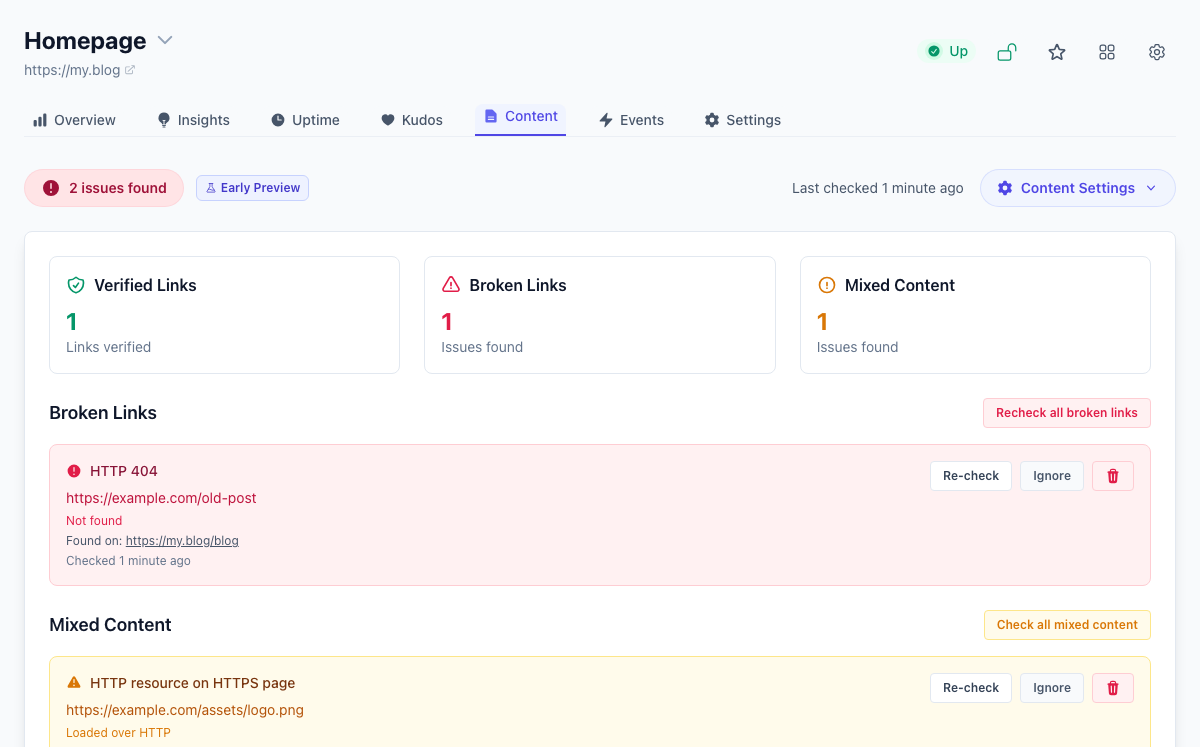
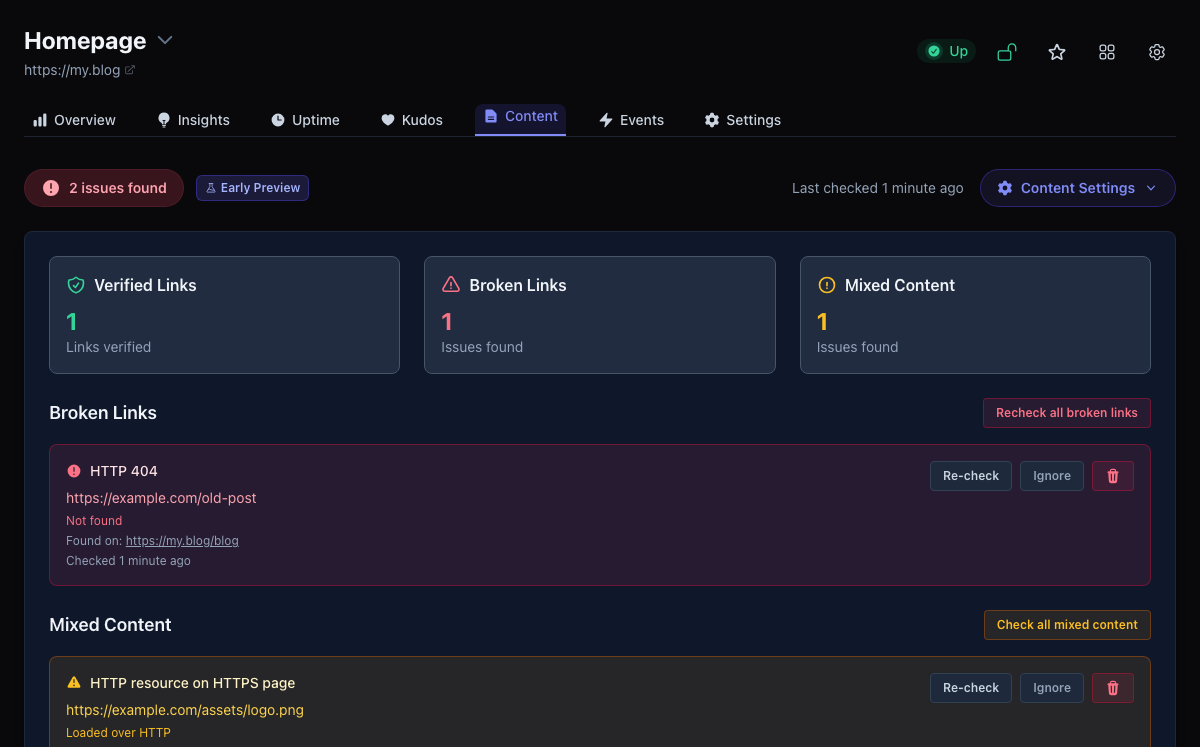
Tinylytics crawls your pages on a schedule and flags broken links and mixed content before a visitor hits a dead end. Ultra users can also opt into AI spell checking for visible page text. See what's wrong, what's fine, and what you've chosen to ignore—all in one place. Email alerts keep you in the loop without living in the dashboard.
How a scan works
Switch it on from a site's Content tab and the first scan starts right away. After that, scans run on their own every day or so. Each one starts at your site's address, or a root path you set, follows links up to two levels deep, and reads up to 50 pages. The crawl stays on your domain, and you can list paths for it to skip.
What it checks
- Broken links: links and resources on those pages, including links to other sites unless you choose to check only your own. Allow and block lists let particular hosts in or keep them out.
- Mixed content: images, scripts, and other resources loaded over
http://on anhttps://page. - Spelling: on Ultra, opt-in spell checking of up to eight pages per scan. A word you ignore stays ignored on later scans.
Fewer false alarms
A server having a bad moment is not a broken link. Responses such as 502, 503, and 504, or Cloudflare's 520 to 526, are checked again later and only become issues if they keep failing. When you have fixed something, check that row again straight away, and ignore anything that is a false positive.
Email and plans
New confirmed issues are emailed at most once every 24 hours while anything is still open, and you get a note when everything is resolved. You can pause the emails during maintenance or turn them off. Content monitoring is included on every paid plan; spell checking needs Ultra.
On Ultra, the SEO audit also picks up these broken links and shows them on the pages it audits.