
Privacy-first analytics for apps.
Ultra adds privacy-first analytics for native, desktop, mobile, and web apps. Send screen views and actions to a single collector endpoint or drop in the web-app script with a screen meta tag. Dynamic IDs, UUIDs, and tokens are scrubbed before anything is saved, counts stay pre-aggregated by day and hour, and an optional Daily Active count uses ephemeral daily hashes discarded after two days.
Aggregated by design
App analytics is built for products where you want to know which screens and actions get used without building a database of user activity. Every incoming event increments pre-aggregated daily counters and hourly totals rather than storing individual event rows. There are no cookies, no user profiles, and no per-hit log to purge later.
Native, desktop, mobile, and CLI apps only need a name when you add them — the website URL is optional, and you can
leave it blank or add a homepage or support link. To keep noisy or unexpected labels from bloating storage, each day
caps distinct screens, actions, versions, and platforms at 500 per kind and rolls any overflow into
(other).
No raw URLs or user IDs
Origins, query strings, and URL fragments are stripped before anything reaches the database. For routes with custom
slugs or tenant names, add up to 50 wildcard rules under Settings → App setup & rules. Use
* to match a single path segment and ** across multiple segments (for example,
/blogs/*/settings to /blogs/:blog/settings). Custom rules run top to bottom, stop at the
first match, apply to new events right away, and include a live path tester so you can check any sample URL or path
before saving.
When no custom rule matches a path, built-in normalization automatically replaces numeric IDs with :id,
UUIDs with :uuid, and long tokens with :token, so a path like
/blogs/4821/settings?tab=seo is stored as /blogs/:id/settings. In web apps, you can also
set <meta name="tinylytics-screen" content="..."> on each view so the browser sends a clean
screen name from the start.
Built for native and web apps
Send single or batched JSON events (up to 100 per request) with POST /collector/app/:uid, including
optional platform, app_version, and event count fields. Native and desktop
apps can buffer counts in memory and flush them periodically or on quit with a plain HTTP request — no third-party
SDK required.
Web apps can drop in /js/app.js with data-site (plus optional data-platform
and data-version attributes). It tracks Turbo and single-page navigation, counts clicks on elements
with data-tinylytics-event, and exposes window.tinylytics.trackScreen and
window.tinylytics.trackAction without sending full URLs, query strings, or referrers.
If you want a rough headcount, turn on Daily active count in your app's settings. Tinylytics deduplicates active clients per UTC day using a daily salted hash, keeps only the daily count, and prunes the ephemeral hashes automatically after two days.
Focused dashboard
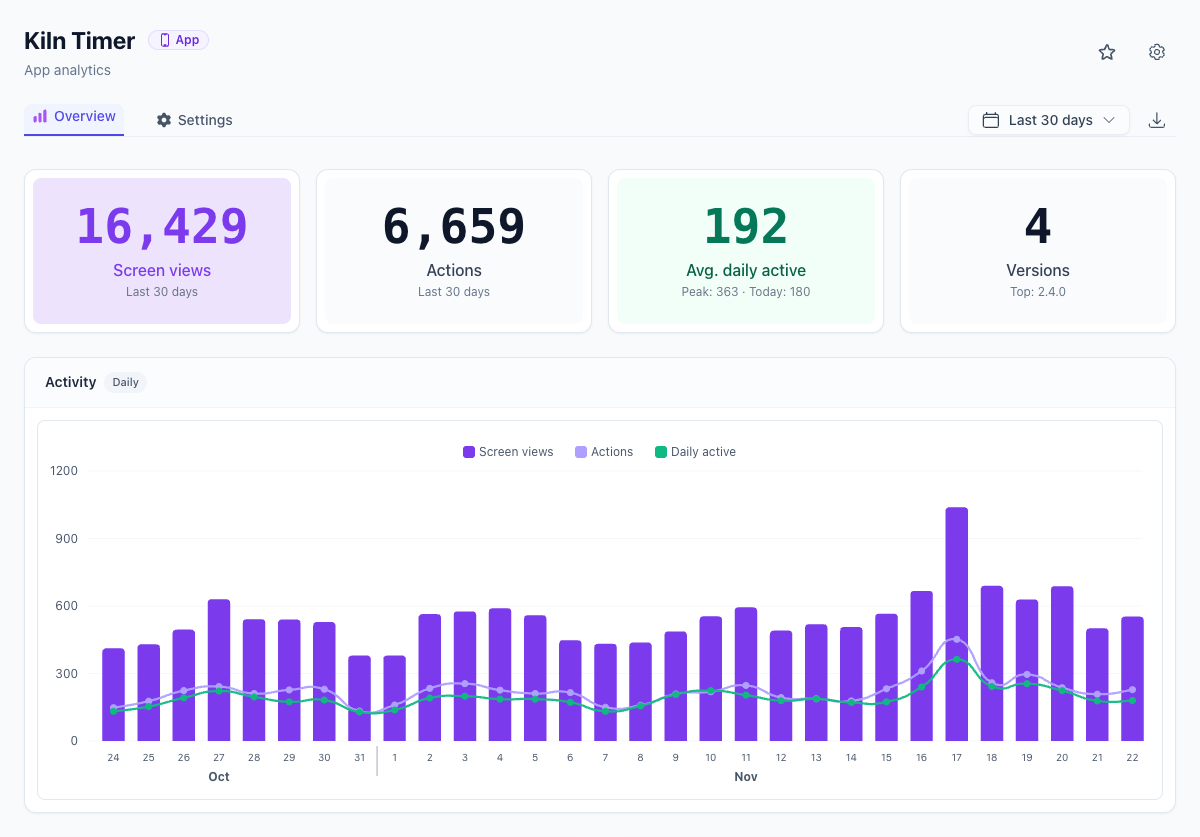
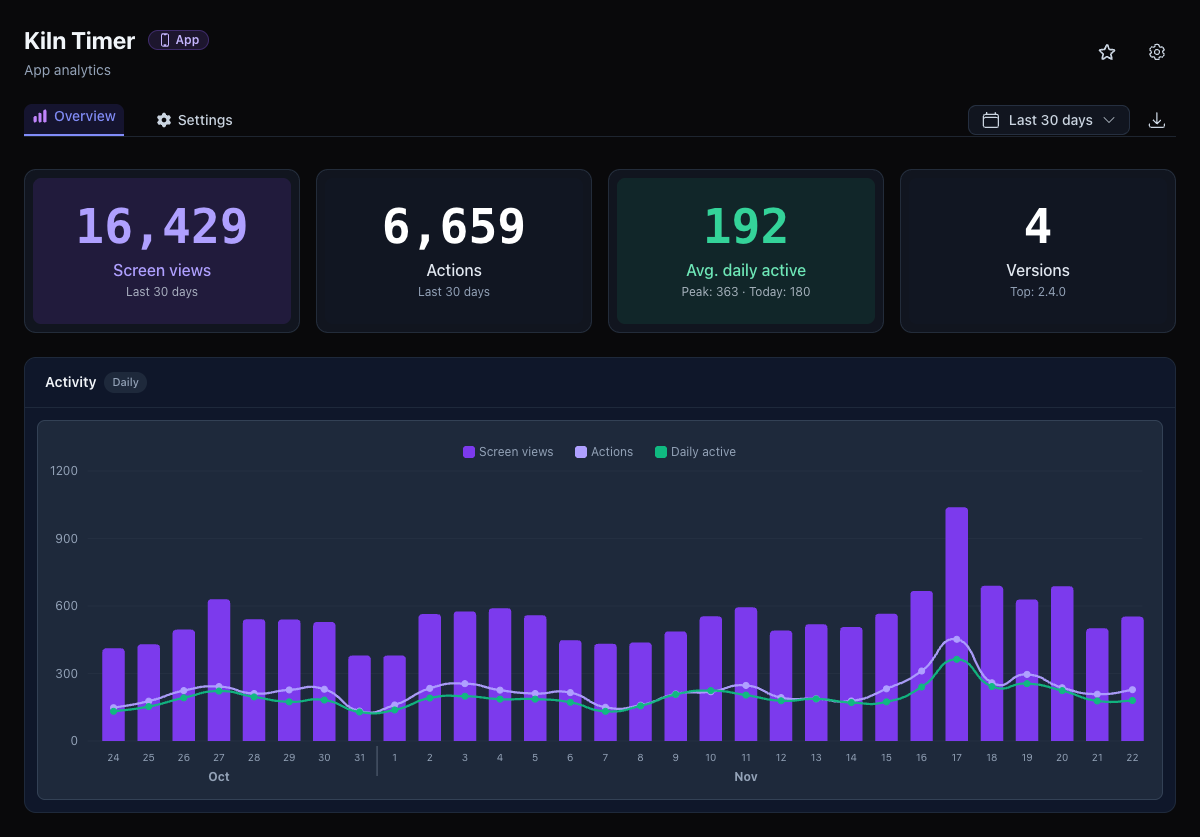
Each app opens to an overview built around product telemetry: KPI cards for Screen views, Actions, Versions (with your top version), and optional Avg. daily active (with peak and today's count), followed by an hourly or daily Activity chart.
Below the chart sit ranked tables for Top screens, Top actions, App versions, Platforms, and optional Countries derived from request headers without storing IP addresses. Filter by preset or custom date ranges, narrow your sites list to Apps, combine apps and websites in site groups, and export aggregated daily metrics to CSV whenever you need them. App analytics is part of Ultra.