
Share your numbers, your way.
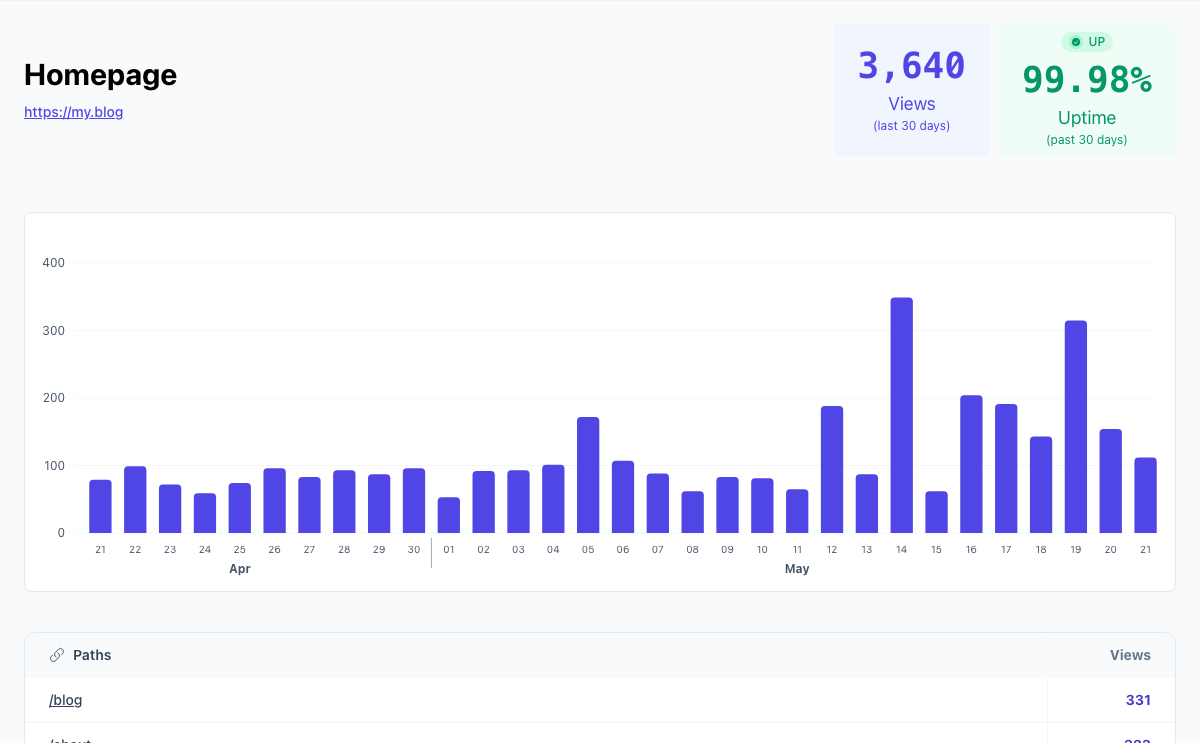
Turn your analytics into something you're proud to show off. Publish a public stats page with your views, chart, and top pages in your site's accent colour. Let visitors filter it, add your uptime, or hide the details and share only the total. On Ultra you can add a password to the link. Perfect for indie blogs, open projects, and anyone who believes in transparent traffic.
Publishing the page
Switch on Make stats public under a site's Sharing settings and the page gets its own link, made from a random string rather than your site's name. Anyone with the link can read it, no account needed. Turn it off and that link stops working; turn it on again and you get a new one, so taking a page down really takes it down. The page asks search engines not to index it.
What visitors see
Every public page shows your site's name, the cards you pick, a traffic chart, and your most visited pages. On the free plan it covers the last 30 days. On a paid plan or trial it also shows countries, browsers, and platforms, and you can switch on more:
- Let visitors filter: visitors pick their own date range and narrow the page by path or source, starting from your default range.
- Uptime: a card with your 30-day uptime and current status from uptime monitoring, and an Uptime tab with 90 days of history and recent incidents. Never error messages or IP addresses.
Making it look like yours
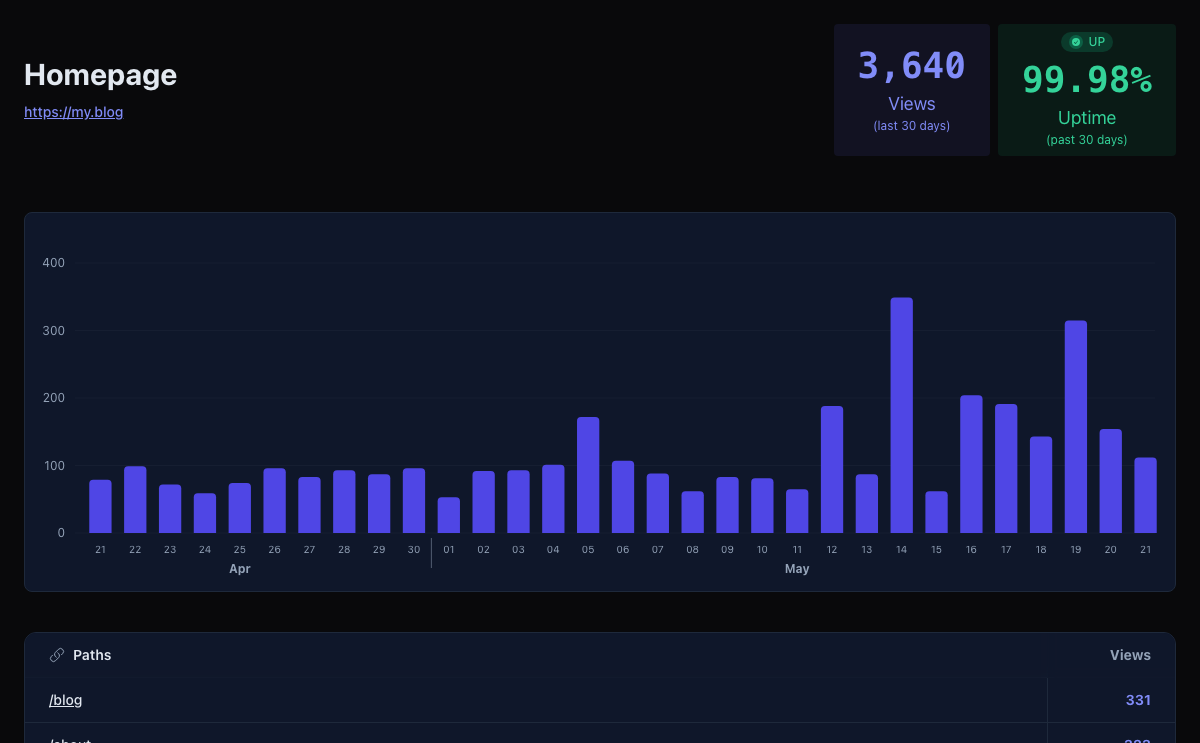
On every plan, Customize public page lets you pick a background, choose which cards show and in what order, add up to four link buttons to your blog, feed or newsletter, show your 88×31 pixel button, and turn off our footer. A live preview shows the page on a desktop or a phone as you go.
The page uses your site's accent colour and can show your site's icon. Your chart settings carry over too: hide the chart, switch between columns and a line, or turn on Hide detailed stats to share only your totals, header, links, and footer.
Sharing it privately
On Ultra you can set a password. Visitors then need ?token= and the password on the end of the
link, which the Sharing settings show ready to copy, and anyone without it gets nothing. You can always see the
page yourself while signed in, and you can remove the password at any time. It suits a client report or a
number you want to show a few people rather than the whole web.